
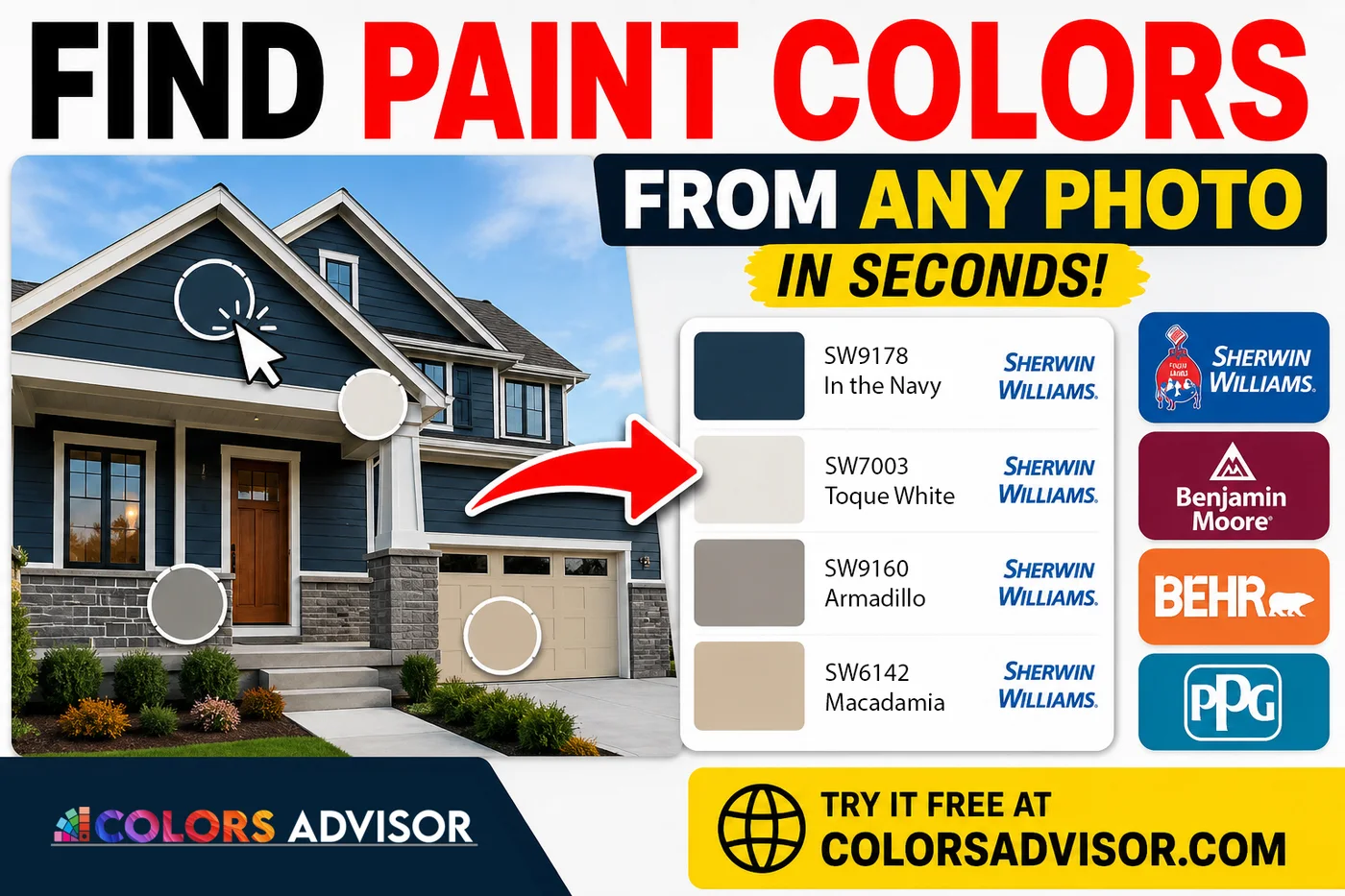
Getting Started with the Color Finder
Ready to dive in? Finding your perfect color palette only takes a few clicks.
1. Access the Tool
Head over to www.colorsadvisor.com. From the homepage, you can access the tool in one of two ways:
Click Tools in the top navigation menu.
Select the Tools section directly from the main hero banner.
From there, click on the Color Finder tool.
2. Upload Your Inspiration
Upload any image you want to analyze. This could be an exterior shot of a house you love, an interior room design, a piece of fabric, or even a landscape photo.
3. Choose Your Preferred Paint Brand
Select your go-to paint library from the dropdown menu. ColorsAdvisor supports major industry leaders:
Sherwin-Williams
Benjamin Moore
Behr
PPG
How to Extract Colors From Your Image
By default, Color Slot 1 will be active and ready to go as soon as your image loads.
1.Click to Pick:Instant Match.
Hover your cursor over the uploaded image and click directly on the color you want to identify. The tool will instantly populate Color Slot 1 with the color name and specific paint code from your chosen brand.
2.Add More Colors:Expand Your Palette.
Want to build a full scheme with trim and accent colors? Click the "+ Color" button to generate a new color slot.
3.Refine and Edit:Active Slot Selection.
Whichever color slot is currently highlighted will update every time you click the image. This allows you to re-pick or fine-tune your selection until it looks exactly right.
Pro Tip: You can switch between paint brands at any time! If you start with Sherwin-Williams but want to see what Benjamin Moore's closest equivalent is, just change the dropdown. Your selected colors stay the same, but the names and codes instantly update to the new brand's closest match.
Finding Swaps and Cross-Brand Equivalents
What if you already have a paint color in mind and want to find its match in another brand? Below your uploaded image, the tool features four dedicated brand panels (Sherwin-Williams, Benjamin Moore, Behr, and PPG), each equipped with a smart search bar.
Search by Name: Type at least three letters of a paint color into any panel's search box.
Instant Cross-Comparison: The moment you select a color from the search results—or click one of your image's color slots—the tool automatically displays the five closest matching colors across all four brands.
This feature is a lifesaver if you love a Benjamin Moore color but your contractor strictly uses Sherwin-Williams.
Download and Share Your New Palette
Once you’ve curated your perfect palette, you don't have to worry about writing down complicated color codes. You can download your finished project in two convenient formats:
JPEG Image: Perfect for saving to your phone's photo library or posting to mood boards.
PDF Document: Ideal for printing out or emailing directly to professionals.
Both download formats include a clean layout featuring your original uploaded image alongside a clear color legend detailing all selected paint names and manufacturer codes.
Ready to Paint?
Whether you are planning a DIY room makeover or prepping a color scheme for a professional contractor, the ColorsAdvisor Color Finder takes the guesswork out of paint shopping. Try it today and bring your visual inspiration to life!
Click here for Colors Finder tool
Color Finder — search paint libraries | colorsadvisor